Thanks for confirming in support that the PowerPoints now open in normal Chrome with extensions both off and on. I’m marking this report as fixed based on that confirmation. We haven’t established the cause in the Chrome profile.
Thanks!
Jason Co-founder of Memo
Jason From Memo
Team•
Sep 26
We've released another fix for document previews: Retry now requests a fresh preview link before loading the file again. PowerPoint files are supported.
Your latest screenshot shows the preview still failed after the earlier update, so this report remains In Progress. I've sent the next check in our support conversation. We haven't confirmed that the new retry fixes your original error.
Thanks!
Jason Co-founder of Memo
Jason From Memo
Team•
Sep 24
We’ve changed PDF and PowerPoint preview loading so the required files come directly from Memo. This removes an external download dependency that was failing for some users.
We haven’t confirmed whether this resolves your browser’s error, so the report remains open. I’ve sent the next check in our support conversation.
Thanks!
Jason Co-founder of Memo
Jason From Memo
Team•
Sep 22
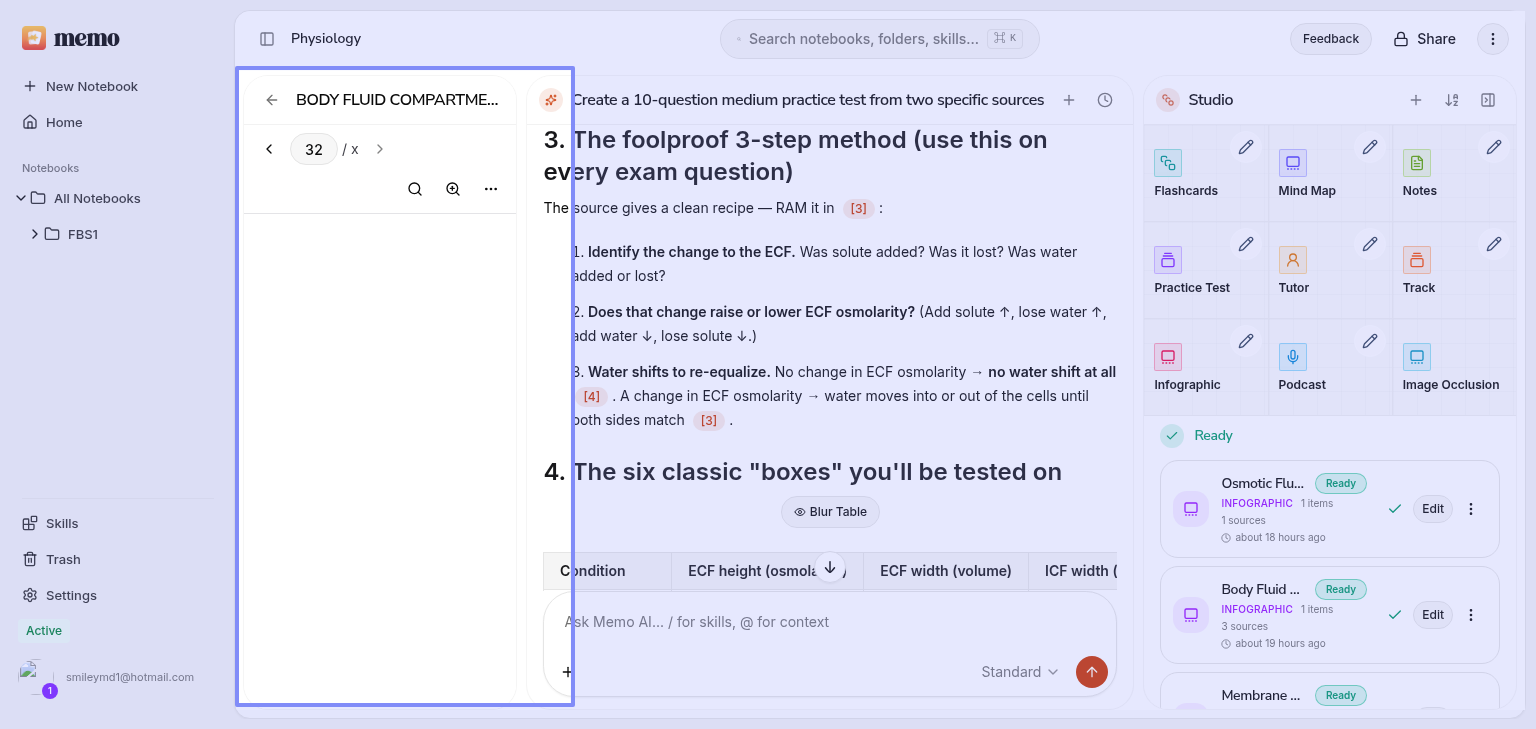
Sorry the preview is still failing. Ready means the file finished processing; it does not confirm the preview can open. We have released a change that adds a Retry button when a PDF fails to load, so you can try again without refreshing the whole notebook. We have not confirmed that it resolves the error with your file. Please reopen Memo to get the update, then try opening the source again. If it still fails, send the notebook link and your browser/device details through support so we can check that file.
Comments4
Jason From Memo
Sep 30
Thanks for confirming in support that the PowerPoints now open in normal Chrome with extensions both off and on. I’m marking this report as fixed based on that confirmation. We haven’t established the cause in the Chrome profile.
Thanks!
Jason
Co-founder of Memo
Jason From Memo
Sep 26
We've released another fix for document previews: Retry now requests a fresh preview link before loading the file again. PowerPoint files are supported.
Your latest screenshot shows the preview still failed after the earlier update, so this report remains In Progress. I've sent the next check in our support conversation. We haven't confirmed that the new retry fixes your original error.
Thanks!
Jason
Co-founder of Memo
Jason From Memo
Sep 24
We’ve changed PDF and PowerPoint preview loading so the required files come directly from Memo. This removes an external download dependency that was failing for some users.
We haven’t confirmed whether this resolves your browser’s error, so the report remains open. I’ve sent the next check in our support conversation.
Thanks!
Jason
Co-founder of Memo
Jason From Memo
Sep 22
Sorry the preview is still failing. Ready means the file finished processing; it does not confirm the preview can open. We have released a change that adds a Retry button when a PDF fails to load, so you can try again without refreshing the whole notebook. We have not confirmed that it resolves the error with your file. Please reopen Memo to get the update, then try opening the source again. If it still fails, send the notebook link and your browser/device details through support so we can check that file.