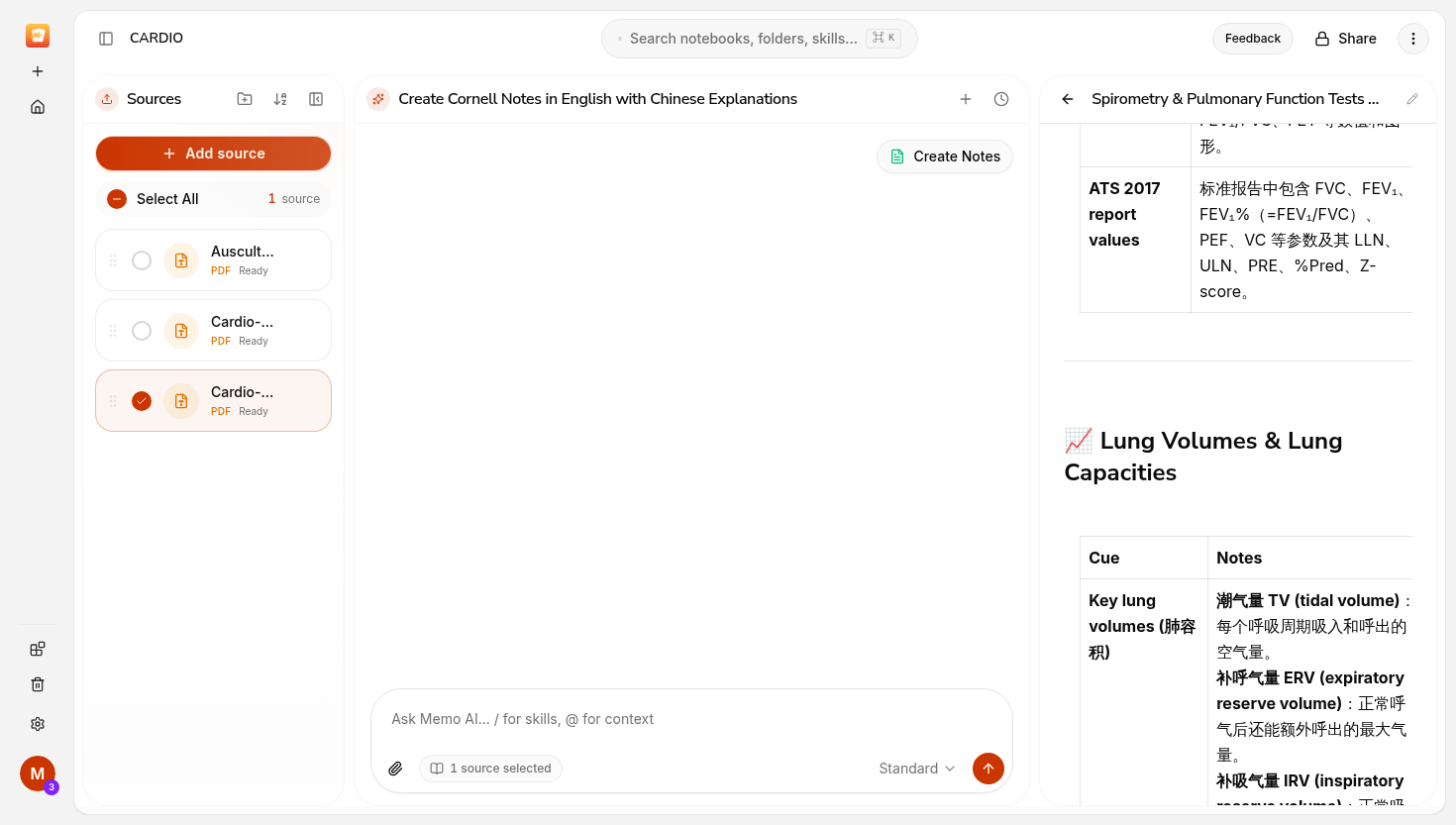
Your screenshot shows the “Create Cornell Notes in English with Chinese Explanations” conversation with only the Create Notes request visible. Please open Chat History using the clock icon at the top right of the conversation and check whether the earlier dialogue is in another entry.
Did it disappear after opening the generated note, switching conversations, or refreshing? Please send the notebook link privately through support so we can match the exact conversation. I haven’t confirmed that the missing dialogue has been recovered.
Comments1
Jason From Memo
Sep 27
Your screenshot shows the “Create Cornell Notes in English with Chinese Explanations” conversation with only the Create Notes request visible. Please open Chat History using the clock icon at the top right of the conversation and check whether the earlier dialogue is in another entry.
Did it disappear after opening the generated note, switching conversations, or refreshing? Please send the notebook link privately through support so we can match the exact conversation. I haven’t confirmed that the missing dialogue has been recovered.
Thanks!
Jason
Co-founder of Memo